A 3PL product is a non-on-demand decorated item that have been pre-approved by STAHLS' Fulfill Engine. Apart if this process is hard-coding your store to a specific pre-approved Network Decorator to hold the inventory. Examples would be things such as pre-decorated apparel or hardgoods such as a keychain.
Adding 3PL Products to a Store
A 3PL product will need to be first be added in Shopify. Once added, you will view the option within Fulfill Engine to Import 3PL products from Shopify within the Product add view of the store.

Here you will be able to select the 3PL item and select to Import.

Submitting 3PL Purchase Orders (PO)
Once a 3PL item has been created, you will be able able to submit a PO into the system to generate inventory.
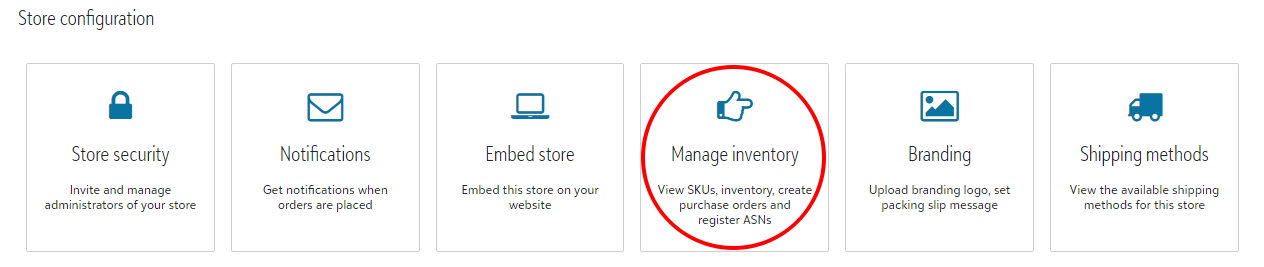
You are able to access inventory from the store homepage. From there you will navigate to Manage inventory under Store configuration.
Once within Manage inventory, you will select the Purchase orders tile and +Add located to the far left of the header bar.
To create a PO, you will need to first set up your 3PL SKUs within the store's account. If you have not already done so, you are able to follow that process above.
When creating a new PO, you will be prompted to list the supplier, as well as the desired quantities for each SKU before selecting Save.

After the PO has been submitted, the item(s) will reflect under the SKUs tile within Manage inventory.
The PO will then be received by the pre-determined Network decorator and added to available inventory.
