Request Access to Import Orders on an Account or Store
Contact info@fulfillengine.com to request the Import orders feature for your account or a specific store.
After our team has processed your request, you will see the option for Import orders on the homepage under Orders. This is where you are able to import orders via CSV.

On-Demand Orders
To communicate the design, the most common method is to prebuild a product within your account to generate the design ID. This provides the file, size, and placement for production. If this is an existing store, the design ID will likely already be created.
The product ID and color must match what is shown within the Fulfill Engine catalog. The sizing format should be XS, S, M, L, XL, XXL etc.
You must select a single option when communicating the Product / Design within a CSV import. Although the design ID is most commonly used, you also have the option use a Campaign (Store) Product ID or an artwork URL.
Using a Campaign Product ID
This method is similar to the Design ID, in that you are using a prebuild product within a Fulfill Engine store. The option provides production with the Design ID as well as the product. You will still need to confirm the color and size.
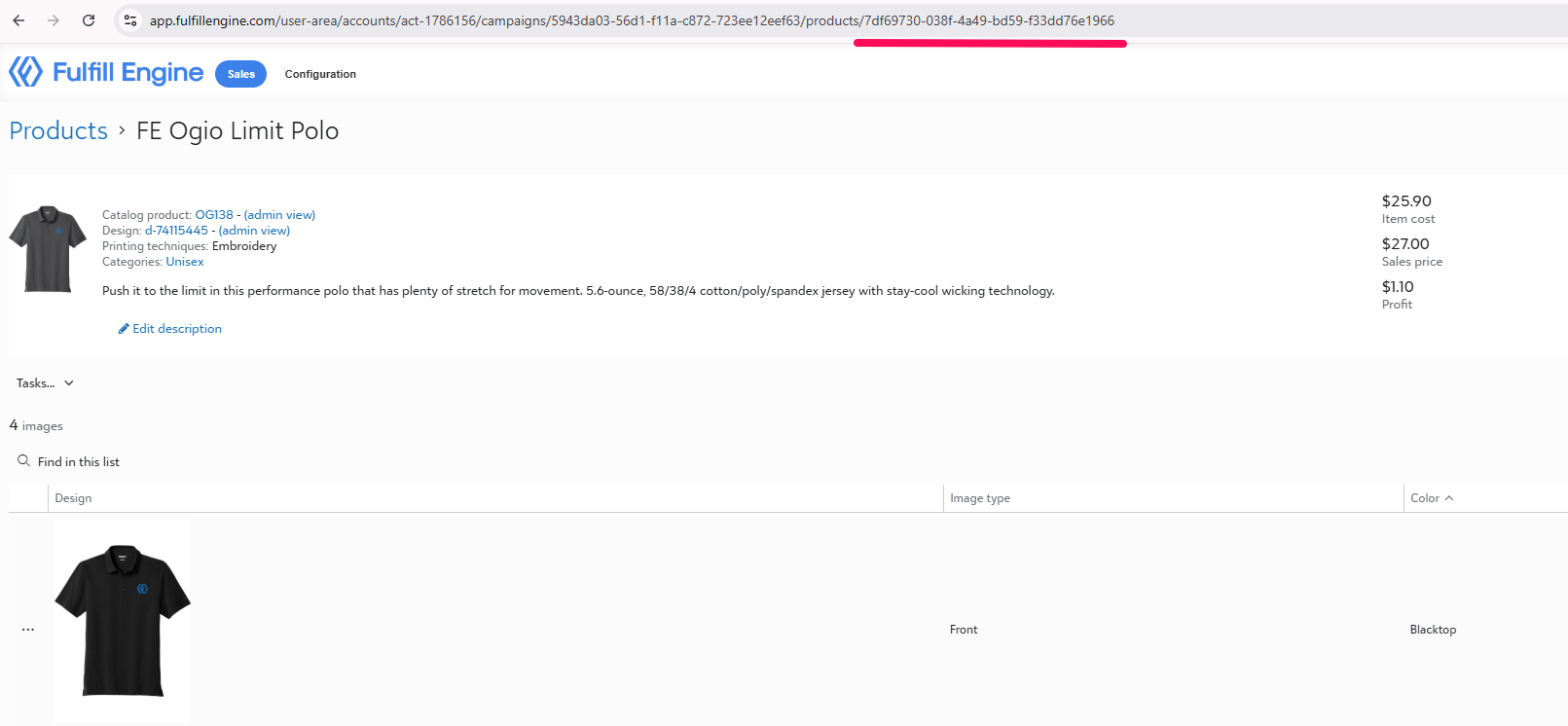
It can be located at the end of the URL within the product view.
See below for Product / Design (option 2) for what headers are required.
*New* Customize existing designs via order import
Store owners can specify up to 5 customizations on existing designs when importing orders using the new fields.
Customization{#}_Name will use the name of the customization within the product design.
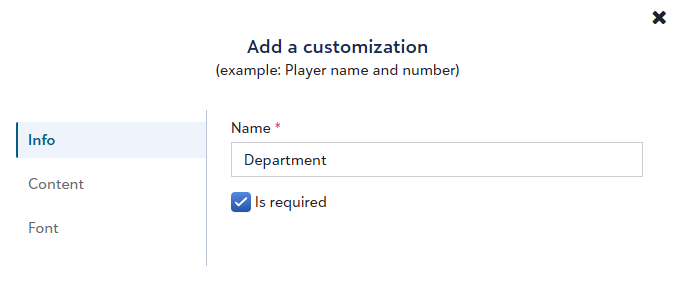
For text-based customizations, the Customization{#}_Value will be exactly what should be printed on the shirt.
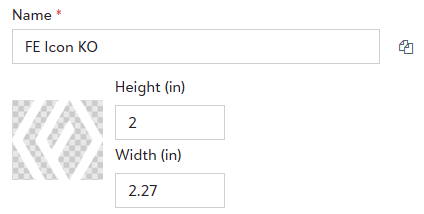
For image customizations, the Customization{#}_Value will be the name of the artwork uploaded within the customization.
Using an Artwork URL
This option exists for all on-demand methods except for Embroidery. To substitute the design ID, you must use the fields below, where the Artwork URL provides a print-ready image, sized appropriately.
- Artwork1_ArtworkFileUrl
- This must direct to a PNG formatted file
- Artwork1_MockupUrl
- Artwork1_PrintingMethod
- dtf, dtg, embroidery, engraving, heat_seal_patch, screen_printing, uv
- Artwork1_PrintLocation
- View approved values here
See below for Product / Design (option 3) for what headers are required.
Approved CSV Headers
| Address |
ShippingAddress_Name, ShippingAddress_AddressLine1, ShippingAddress_AddressLine2, ShippingAddress_City, ShippingAddress_State, ShippingAddress_PostalCode, ShippingAddress_Country, ShippingAddress_Phone |
| Customer PO Optional |
CustomOrderId |
| Confirmation Optional |
CustomerEmailAddress, OrderConfirmationEmailAddress, ShipmentConfirmationEmailAddress |
| Product / Design (option 1) |
CatalogProductId OR GTIN, ProductColor, ProductSize, Quantity DesignId |
| Product / Design (option 2) |
ProductColor, ProductSize, Quantity CampaignProductId |
| Product / Design (option 3) |
CatalogProductId OR GTIN, ProductColor, ProductSize, Quantity Artwork1_ArtworkFileUrl, Artwork1_MockupUrl, Artwork1_PrintingMethod, Artwork1_PrintLocation |
| Product / Design (option 4) |
CatalogProductId OR GTIN, ProductSize, Quantity NoDecoration |
