Accept customization values on order import
Create custom product orders quickly with our CSV order import, which now accepts up to five customizations per order item. Reference an existing design with customizations on the order import file, then specify the customization name and value using newly added import fields.
- The Customization{#}_Name import field will be the name of the customization within the saved product design.
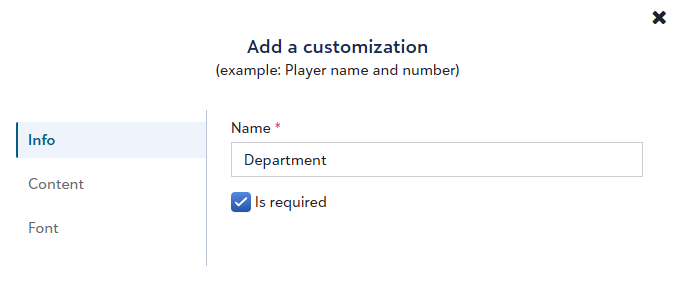
- For text-based customizations, the Customization{#}_Value import field will be exactly what should be printed on the shirt.
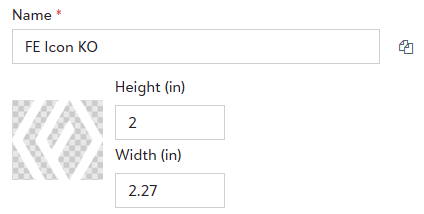
- For image customizations, the Customization{#}_Value will be the name of the artwork uploaded within the customization.
To learn more about about importing orders into Fulfill Engine, click here.
Offer customizable products on OMG Print-on-Demand Stores
OrderMyGear (OMG) Print-on-Demand Store admins can offer customizable options such as employee name, player number, or department name on print-on-demand products fulfilled through Fulfill Engine.
Customization options include:
-
Personalization: customer types in their custom value
-
Static values: customer selects a value from a picklist
- Static values with personalization: customer selects a picklist value or types in their own
To learn more about adding customizable options to OMG store products, click here (requires OMG user login).
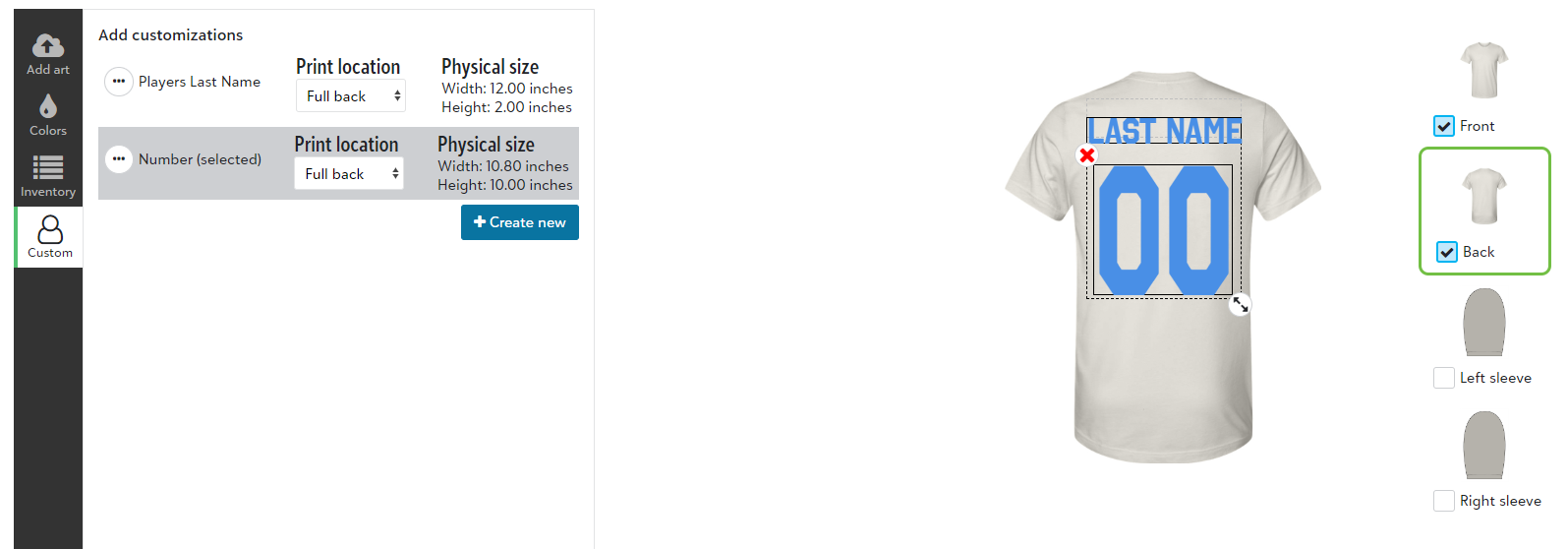
Access more Vapor Apparel products and colors
We've added 9 new Vapor Apparel products to the network catalog across men's, women's, youth, and toddler categories. We've also added new color options on existing products, including dark colors compatible for DTF decoration.
View an order's target ship date
White-label storefront customers and Fulfill Engine users can now view an order's target ship date, for broader visibility into expected turn times and reduced customer service inquiries.
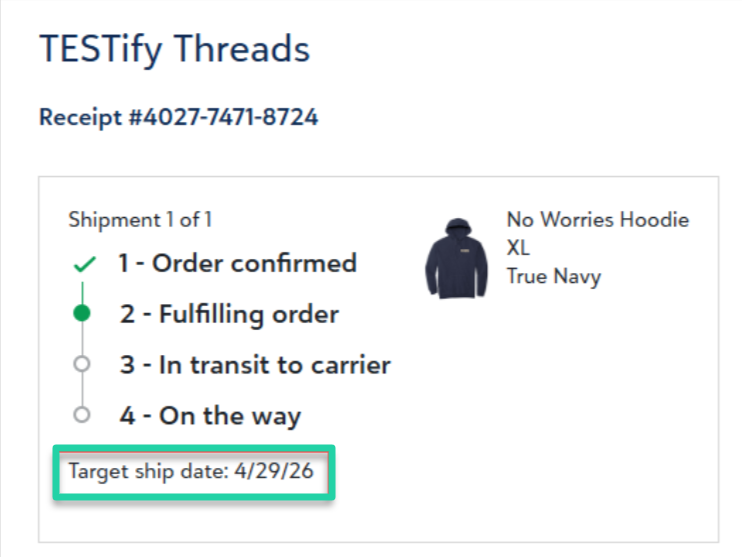
When the order fulfillment begins, typically within 24 hours of the order creation, its Target ship date value is calculated and assigned.
Storefront customers can view the target ship date on the order tracking page, which is found by clicking Track and manage your order here within the order confirmation email message.
Account and store admins can view the target ship date in the header section of the order when logged into Fulfill Engine.
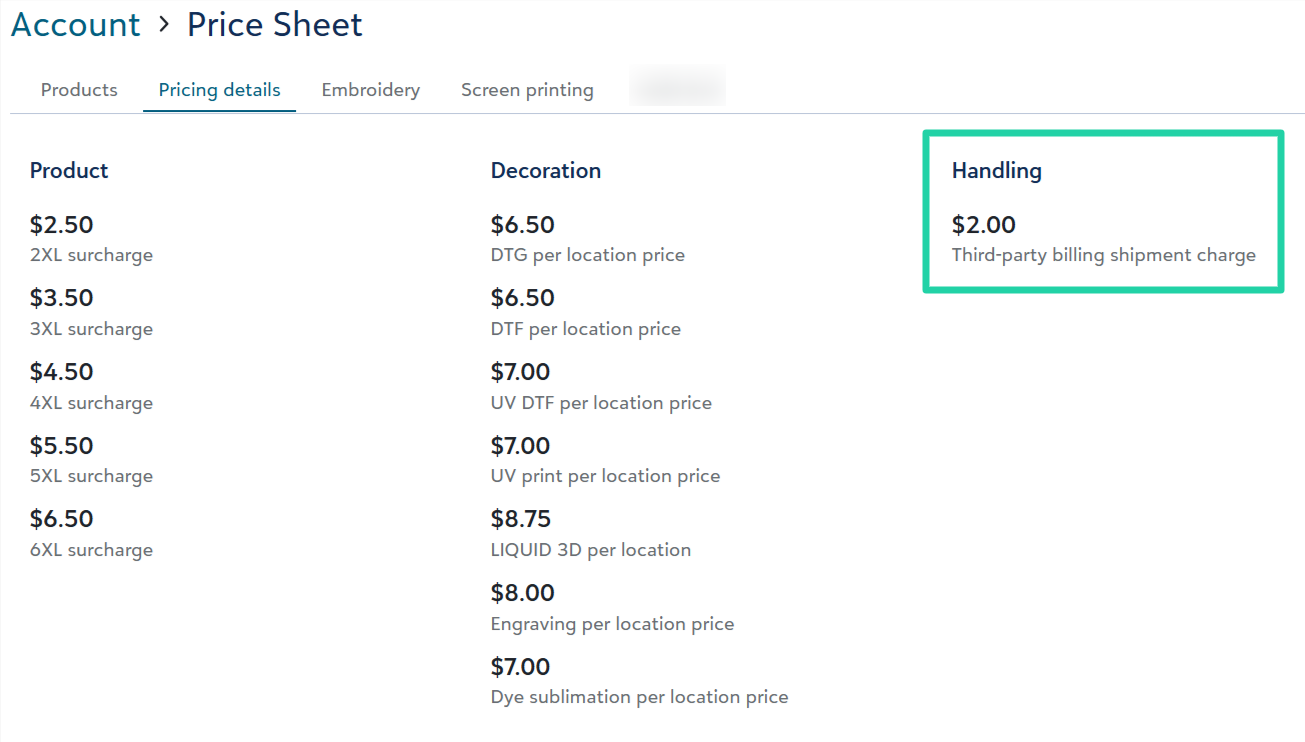
View third-party billing shipment charge amount on your price sheet
Account admins can view the new third-party billing shipment charge amount set on your account's price sheet.
To learn more about third-party billing including this shipment charge, review the details in last month's update.
New help video: The STAHLS' Fulfill Engine Network
Watch this 5-minute video to learn more about how Fulfill Engine network decorators are vetted and managed, and how network orders are fulfilled.
.
